
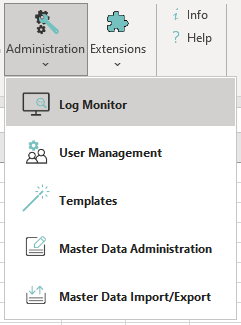
The Log Monitor records messages from automatic processes like CSV Import/Export, MSCONS, etc.
Functional Description
Automatic imports and exports log the processes into a logfile. For automated prozesses a log function is available which saves essential status information to data base. The log entries can be displayed in the Log Monitor plug-in. You can sort the results of both tables by clicking on the name of the column.
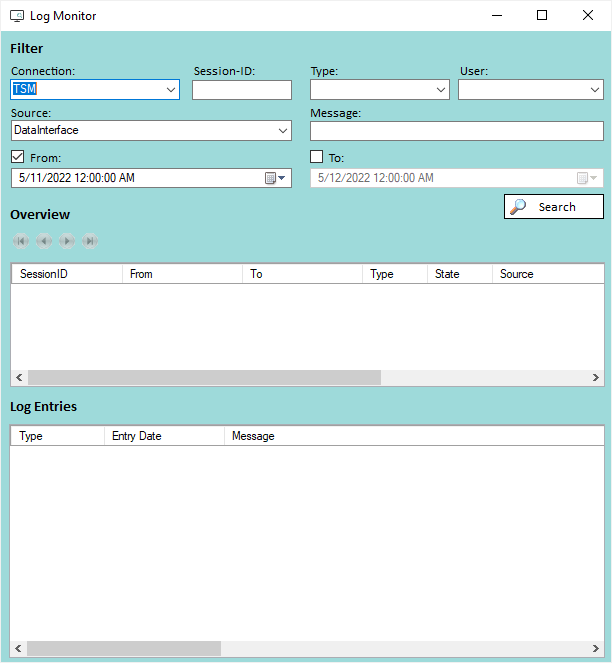
Filter Possibilities
|
Filter |
Description |
|---|---|
|
Connection |
States the TSM data source to which the status logs belongs. |
|
Type |
Defines the type (Message; Warning; Error) of status logs. |
|
User |
States the user who triggered the log. |
|
Source |
States the user who triggered the log. |
|
Message |
Searching for a substring of the log. E.g. Export |
|
From |
States the date from which on the log could have been issued. |
|
To |
States the date to which the log could have been issued. |